
Four New Practical WhatsApp Features | Group Message History: New Members Can Quickly View Past Conversations
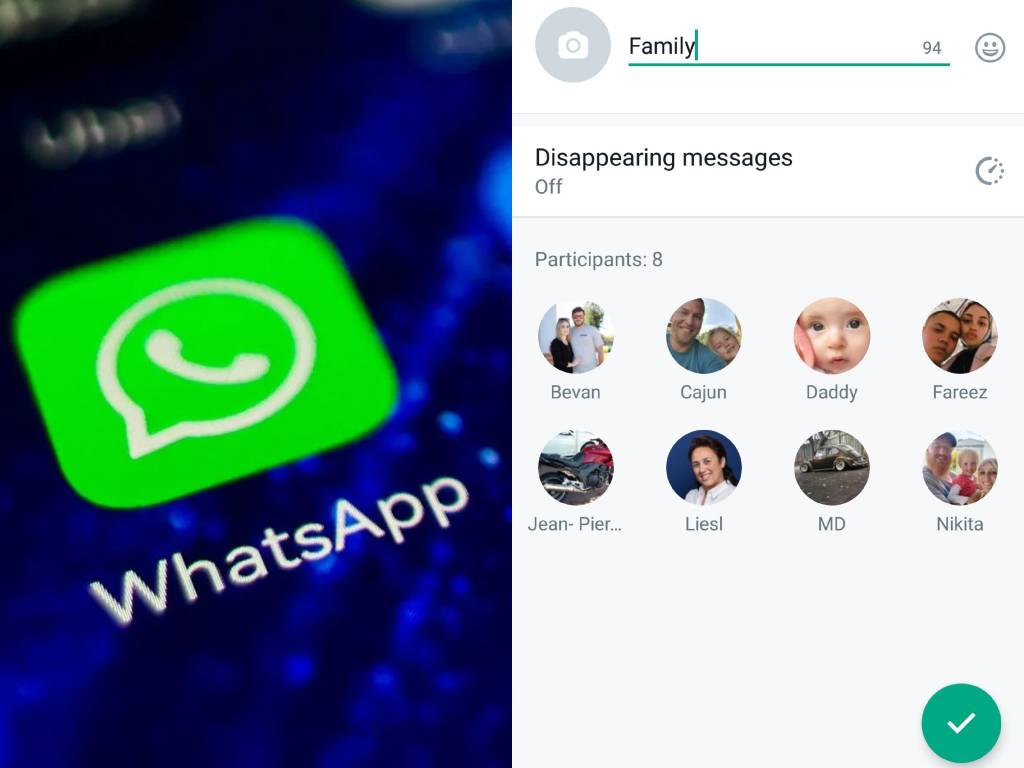
Many users have encountered situations where, after being added to a new WhatsApp group, they found it difficult to grasp the context of the discussion due to being unable to view past chat history. Addressing this long-standing issue, WhatsApp recently launched a new feature—"Group Message History"—which offers four practical highlights: customizable sharing of old messages, improved group transparency, end-to-end encryption for privacy protection, and administrator control over the feature.
According to official WhatsApp updates, this feature allows group administrators to selectively share a portion of recent chat history when adding new members, enabling new users to quickly understand the group's background and key discussion points, thereby avoiding information gaps.
Lucky2's best-selling annual card offers 12GB abroad + 5GB in Hong Kong, supporting 50 popular travel countries and regions worldwide, including China, Taiwan, Macau, Japan, Korea, the UK, France, Germany, Canada, the US, and major areas in Europe, Asia, America, Canada, Australia, and New Zealand. You can even use WhatsApp in mainland China.
Online store order: https://1worldsim.com/collections/lucky-sim
Key Features of WhatsApp's New Group Function | 4 Highlights and Setup Guide
1. Customizable Sharing of Old Messages (25 or 100 messages)
Feature:
When a group administrator adds new members, the system can choose to share:
- The last 25 messages
- Or the last 100 messages
How to set up:
- Open WhatsApp and enter the group you wish to manage.
- Tap the group name to enter the "Group Info" page.
- Select "Add Member" → Choose "Share History Messages" option.
- Select the number of messages to share (25 or 100) and tap confirm.
2. Enhanced Group Information Transparency
Feature:
After the administrator shares historical messages, the entire group will receive a notification. All members can view the shared content, ensuring complete information transparency.
How to set up:
- When the historical message sharing feature is enabled, the system will automatically send a notification.
- Group members can click in the message to view the "Shared Messages" list without any additional operations.
Feature:
Historical messages shared through this function, like regular chat content, utilize end-to-end encryption technology to ensure that messages can only be read by group members, safeguarding privacy and security.
How to set up:
- This feature is enabled by default, so users do not need to take any additional steps to enjoy encryption protection.
- Administrators and members simply need to ensure their WhatsApp version is up to date to automatically enable end-to-end encryption.
4. Administrator Can Freely Toggle the Feature
Feature:
Group administrators can enable or disable the historical message sharing feature at any time, depending on the group's nature:
- Companies or confidential groups can disable this feature.
- Social or friends' groups can use it flexibly.
How to set up:
- Go to the group's "Group Info" page.
- Tap "Group Settings" → "Historical Message Sharing".
- Choose to enable or disable the feature and confirm the setting.
Say Goodbye to Screenshots and Forwarding | Improve Group Communication Efficiency
In the past, when new members joined a group, to provide them with background information, users often had to:
- Manually take screenshots
- Or forward chat content message by message
This was not only time-consuming but also prone to information clutter.
With the "Group Message History" feature, administrators can simply set it up to allow new members to quickly grasp key information, significantly improving work efficiency and daily communication experience.
Other Articles: Lucky SIM Number Porting and Retention
Many people keep their Hong Kong mobile numbers. The "HK$138 for 3 years" super value plan is the first choice for number porting! In addition to free SMS reception in Hong Kong and abroad, Hong Kong data has been increased to 30GB, while prices for other 540-day/2-year/3-year plans remain unchanged, with upgraded data! This is a great deal!
Added 30GB of roaming data in 42 countries/regions, expanding internet access to more global locations! All porting plans can be topped up/renewed later. Whether you are in Hong Kong or abroad, you can purchase additional data according to your needs, so you never run out of data.
Lucky SIM phone cards are compatible with various devices, including physical cards or eSIM-enabled phones. Whether you are in Hong Kong or abroad, you can apply for number porting using the official authorization form below and be contacted by an authorized agent.
Google Form application:https://forms.gle/tY7vCdDgRFTYZd616 (choose physical card or eSIM)
Article details: https://stepstepinfo.com/?p=2694

Official authorized agent StepStepInfo.com, with priority sales for various LuckySIM and Lucky2 eSIMs. For prices, please refer to the order form: https://forms.gle/mZej1dDA3MyugCkr8

Lucky2 50 Countries/Regions 365 Days 12GB Unlimited Data Card + 5GB Hong Kong (eSIM)
This annual card offers 365 days of roaming data service, with the first 12GB at high speed. After consumption, unlimited data can still be used, but the speed will be reduced to 384kbps, plus an additional 5GB in Hong Kong!
This annual card supports 50 popular travel countries and regions worldwide, including China, Taiwan, Hong Kong, Macau, Japan, Korea, the UK, France, Germany, Canada, the US, and major areas in Europe, Asia, America, Canada, Australia, and New Zealand.
Except for Hong Kong and Taiwan, real-name registration is not required in other regions. eSIM version, seize the limited-time offer!
Online store order: https://1worldsim.com/products/lucky2-esim-50region12gb-hk5gb

Lucky2 China, Japan, Korea, Taiwan, Macau 5 Regions 365 Days 40GB Unlimited Data Card + 5GB Hong Kong (eSIM)
Best-selling annual card! Upgraded from 30GB to 40GB! High-speed 5G/4G, followed by unlimited internet at a reduced speed of 512K, plus an extra 5GB of Hong Kong data.
Real-name registration is required for Hong Kong or Taiwan; you only need to register once to use it in both places. No real-name registration is required for China/Macau/Japan/Korea.
Online store order: http://1worldsim.com/products/lucky2-esim-5region25gb

LuckySIM 3 Years 30GB + 2000 Minutes Hong Kong Number Retention Recommendation (eSIM)
The number retention phone card is a big seller! Offers a long validity of 3 years, plus an additional 30GB of Hong Kong data. Real-name registration is required. Extremely affordable way to keep your Hong Kong phone number.
Online store order: https://1worldsim.com/products/luckysim-esim-3years-30gb-keephknumber

Official authorized agent StepStepInfo.com, with priority sales for various LuckySIM and Lucky2 eSIMs. For prices, please refer to the order form: https://forms.gle/Z2ZcysWePMatZmcc8