

How to Prevent eSIM from Being Accidentally Deleted or System Wiped: A Complete Guide + Latest Protection Strategies
eSIMs serve as a solution for travel internet, international communication, and dual-SIM management. However, issues like accidental eSIM deletion, disappearance after phone reset, or system clearance are becoming increasingly common. This article explains practical operations, sources of risk, and prevention strategies to help users effectively secure their eSIM data and avoid communication interruptions due to accidental deletion or system clearance.
Recommended! Lucky SIM super cheap plan to keep your new number SIM card, 3 years 30GB with unlimited global SMS reception:https://1worldsim.com/products/luckysim-esim-3years-30gb-keephknumber
Hot Seller! Lucky2 Global 50-country 12GB annual card, plus 5GB Hong Kong data:https://1worldsim.com/products/lucky2-esim-50region12gb-hk5gb
1. Why do eSIMs get accidentally deleted or disappear?
In most cases, eSIMs don't "automatically disappear"; rather, they are lost due to the following common reasons:
1. Manual accidental deletion of eSIM settings
Users deleting a cellular plan in phone settings will directly remove the eSIM profile.
2. Phone reset or system restore
Performing a "Reset All Settings" or "Factory Reset" typically clears the eSIM as well (especially on iOS and some Android devices).
3. Changing phones or transferring devices
Failure to transfer the eSIM correctly or not using the official transfer function will cause the original eSIM to become invalid.
4. System update or anomaly
In rare cases, iOS / Android system update errors or bugs may lead to abnormal or lost eSIM configurations.
5. Carrier restrictions or policies
Some eSIMs (especially travel cards) only support one-time download or activation and cannot be reinstalled after deletion.
2. 7 practical methods to prevent eSIM deletion
The following applies to both iPhone and Android devices:
1. Retain the eSIM QR Code or activation certificate
- Always screenshot or save the QR Code when downloading the eSIM
- It is recommended to back it up to the cloud (Google Drive / iCloud) as well
- If the provider offers an Activation Code, it should also be saved
2. Avoid casually deleting cellular plans
- iPhone: Settings > Cellular > Select eSIM > Delete Cellular Plan
- Android: Settings > Network & internet > SIM card management
Before deleting, confirm:
- Whether it is still needed
- Whether it can be re-downloaded
3. Back up eSIM before performing a phone reset
Before resetting your phone, please confirm the following:
- Whether automatic eSIM transfer is supported (e.g., Apple eSIM Transfer)
- Whether you have obtained the reinstallation method
- Contact the carrier to confirm if a new one can be issued
4. Use official eSIM transfer features
For example:
- Apple "Quick Start" or eSIM Transfer
- Android (some brands support eSIM migration)
Avoid directly deleting and then manually installing to reduce the risk of failure.
5. Choose an eSIM provider that supports repeated downloads
Policies vary greatly between platforms:
| Type | Reinstallable? |
|---|---|
| Travel eSIM (some) | ❌ No |
| Long-term carrier eSIM | ✅ Can apply for reissuance |
| eSIM platform (e.g., Airalo) | Depends on the plan |
It is recommended to choose a service provider that can reissue the QR Code.
6. Regularly check if the eSIM is functioning normally
Including:
- Whether a signal is displayed
- Whether internet access is available
- Whether the correct carrier name is displayed
7. Avoid using unofficial or cracked configuration files
Unknown eSIMs may:
- Be remotely deactivated
- Pose security risks
- Not be able to be reinstalled
3. Can a deleted eSIM be recovered?
Situation Analysis:
| Situation | Recoverable? |
|---|---|
| With QR Code backup | ✅ Can be reinstalled |
| Carrier supports reissuance | ✅ Can be applied for |
| One-time travel eSIM | ❌ Usually not recoverable |
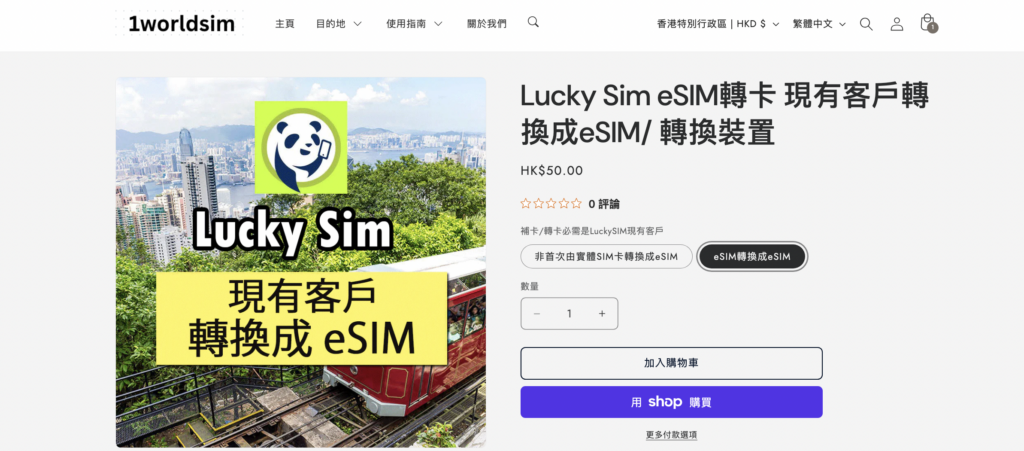
Lucky SIM exclusive solution
If you are a Lucky SIM user (with a valid Hong Kong number) and encounter the following situations:
- Want to switch from a physical SIM card to an eSIM
- eSIM replaced with a new phone
- eSIM accidentally deleted or lost
- Unable to re-download the original eSIM
You can use the conversion service provided by 1worldsim.com as a solution.
Details: https://1worldsim.com/products/lucky-sim-esim-replacement
Frequently Asked Questions
Q: Can a deleted eSIM still be used?
A: If you have a backup QR Code or the carrier supports reissuance, it can be reinstalled; otherwise, it may be permanently invalid.
Q: Will resetting an iPhone delete the eSIM?
A: Yes, in most cases it will be deleted, unless you choose to keep the cellular plan (supported by some versions).
Q: Can an eSIM be transferred to a new phone?
A: Yes, but it requires using an official transfer function or re-scanning the QR Code.
Q: Can an eSIM be backed up?
A: It cannot be backed up directly like a file, but the QR Code or activation information can be backed up.